


Buying guide · Employee onboarding
How to Build a New Hire Welcome Kit
Plan an employee welcome kit from the first week of work. Choose useful items, test delivery, and manage onsite and remote kit variants.
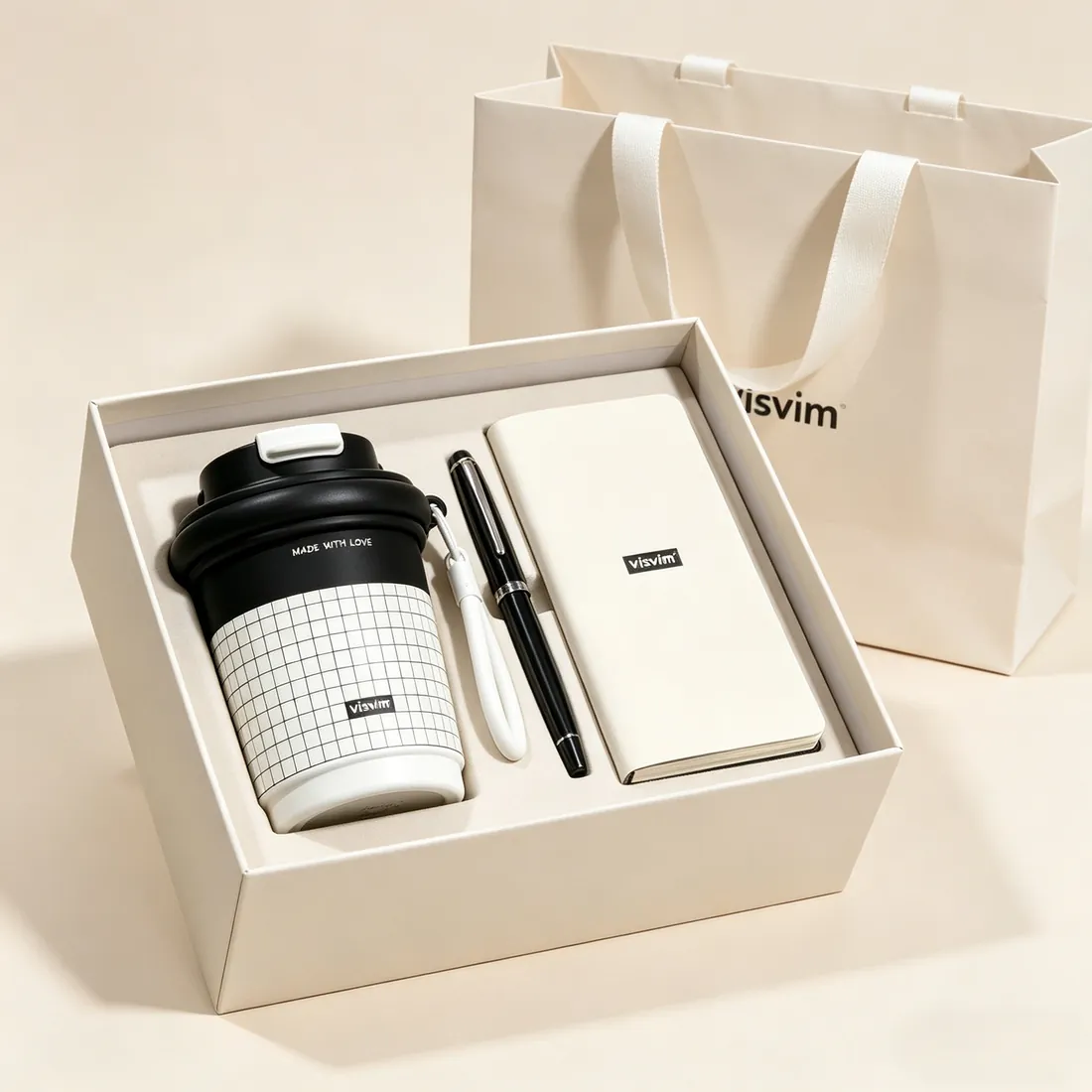
An employee welcome kit should solve specific first-week tasks. Decide what a hire needs to work, find help or feel included, then place company-branded extras behind the essentials.
A kit designed around an unboxing photo can hide time-sensitive instructions or duplicate equipment sent by IT. Follow the first week from the employee’s perspective.
What the Chinese market examples show
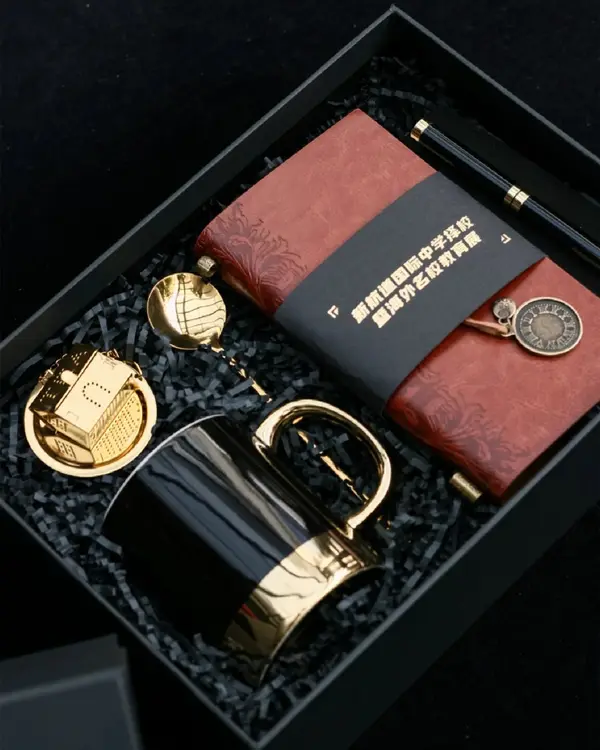
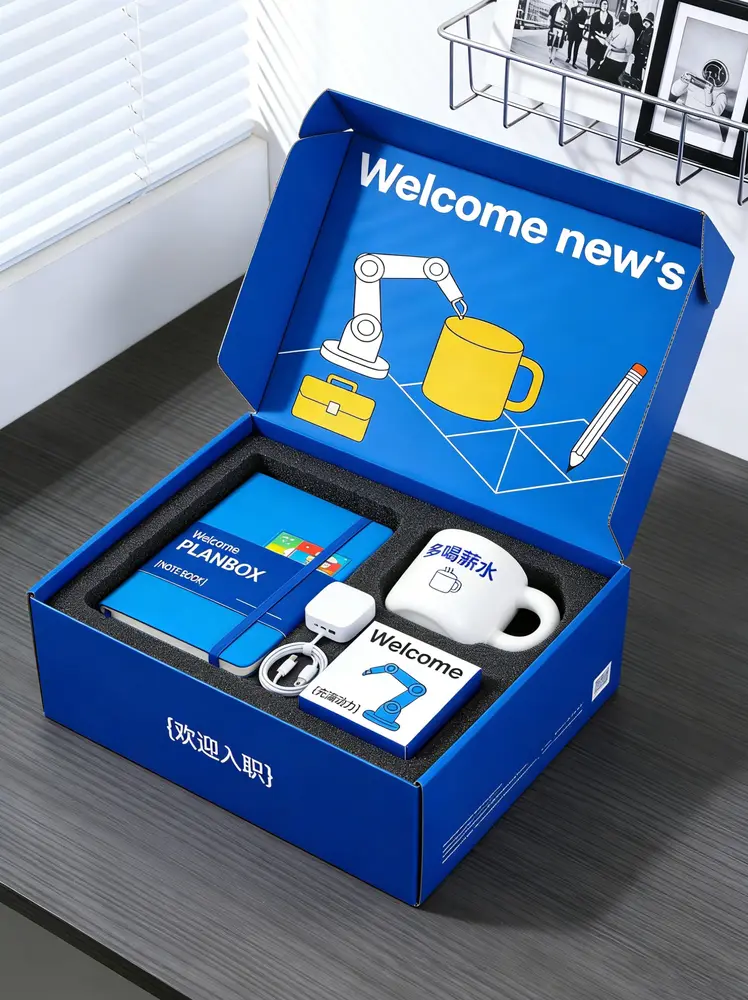
One Zhihu answer separates first-week tools from items that express welcome. A Hangzhou supplier's published kit example shows how those goals can be combined in one box. Record the first-week task each component serves and give the card, tools and extras distinct jobs. Zhihu, WeChat Official Account.
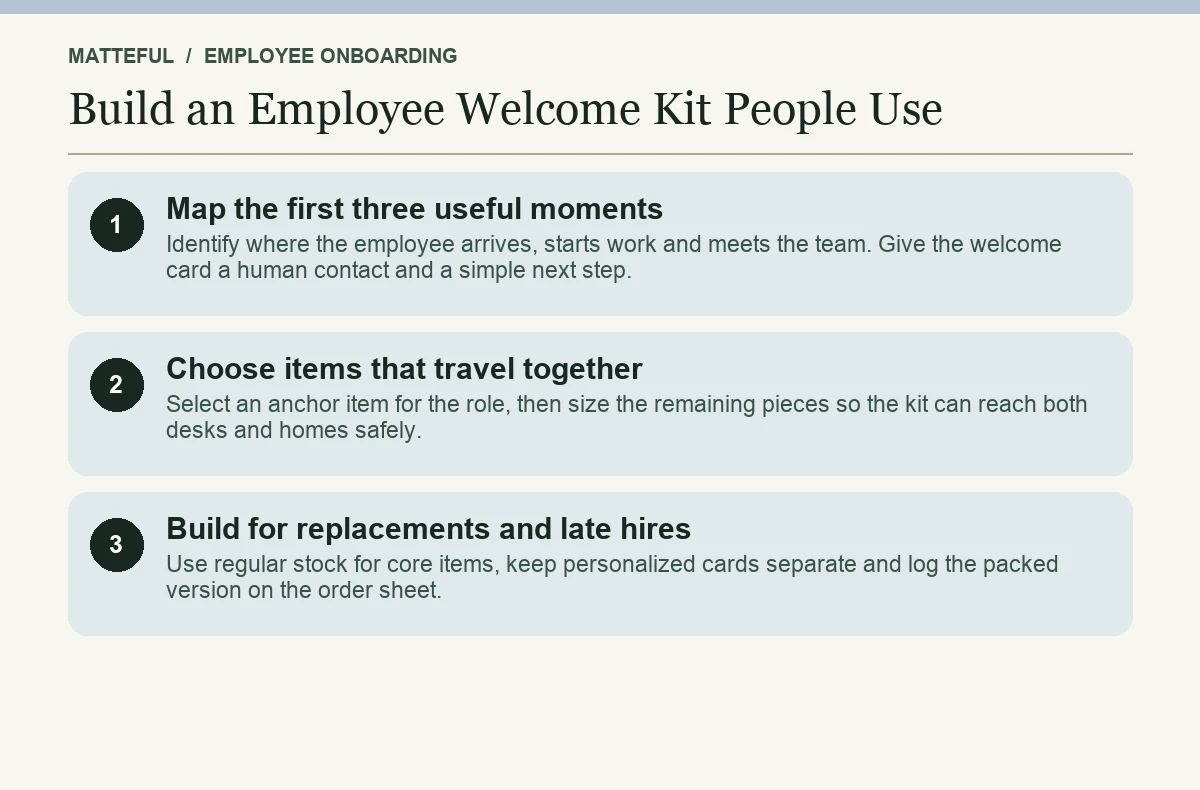
Map the first three useful moments
Identify where the employee arrives, starts work and meets the team. Give the welcome card a human contact and a simple next step.

Choose items that travel together
Select an anchor item for the role, then size the remaining pieces so the kit can reach both desks and homes safely.
Build for replacements and late hires
Use regular stock for core items, keep personalized cards separate and log the packed version on the order sheet.
Map the kit to the first week
Before the start date
Tell HR who owns names, addresses and start dates. A late edit needs to reach the card, the label and the shipment roster before the old version is released. New Hire Kit Checklist for HR.
When the kit arrives
Put the starting instruction and named human contact where a new hire can find them immediately. Inspect a complete parcel in the configuration it will be sent. How to Ship Onboarding Kits to Remote Hires.
When work begins
Choose a shared welcome kit and one role-specific object when the role changes the recipient's first-week task. Keep packaging compatible with each role module. Role-Specific Employee Welcome Kits.
After week one
Measure on-time, complete arrival separately from whether hires used an intended object. Feed delays and missing stock into the next cohort’s plan. Measure Whether Onboarding Gifts Help.
Worked example
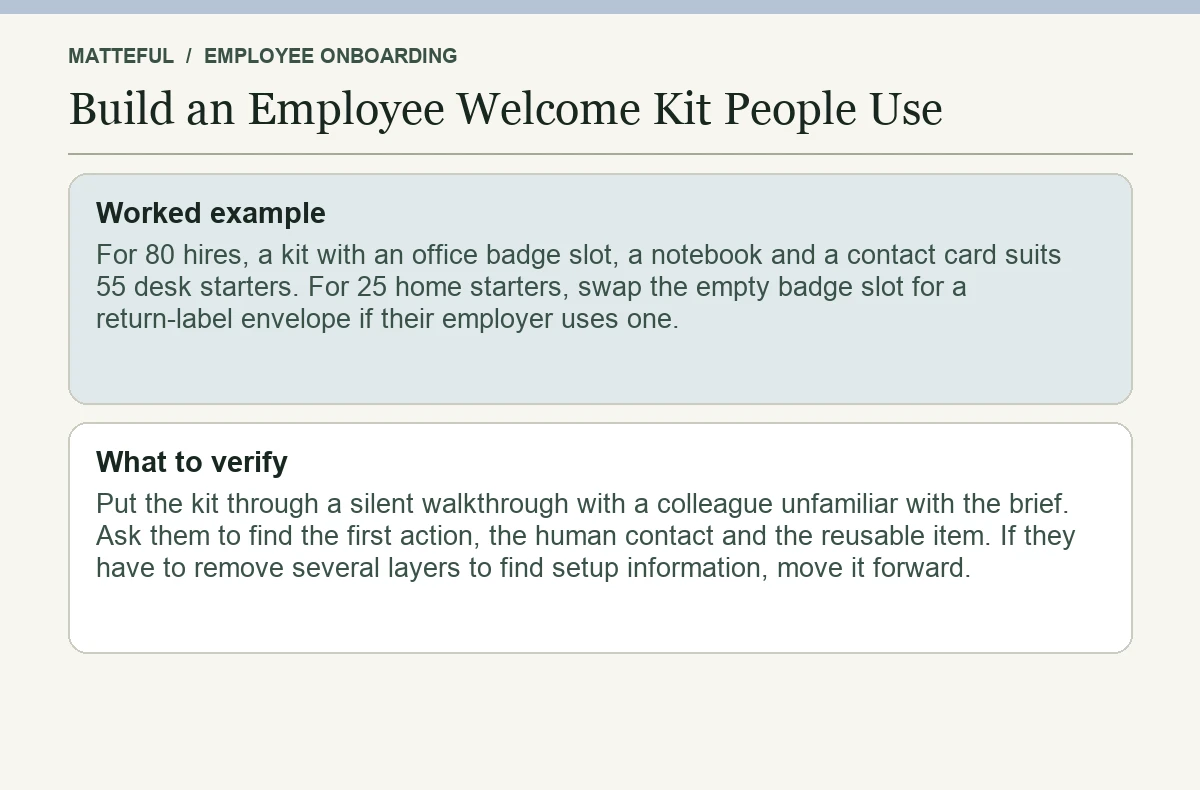
For 80 hires, a kit with an office badge slot, a notebook and a contact card suits 55 desk starters. For 25 home starters, swap the empty badge slot for a return-label envelope if their employer uses one.
What to verify
Put the kit through a silent walkthrough with a colleague unfamiliar with the brief. Ask them to find the first action, the human contact and the reusable item. If they have to remove several layers to find setup information, move it forward.
Design around what the new hire does at each moment
Start with a blank first-week timeline. Before day one, a remote starter might need a shipment notice and contact in case of a delay. On the first morning, the same person needs access to the established onboarding channel. After orientation, a notebook or commuter item can stay useful without carrying any login or personal information.
Code kit requirements by who owns them. HR approves the note and name, IT handles credentials and equipment, and facilities defines office pickup. Put an access reminder on the card only if a maintained link and human owner exist. Keep badges and issued devices on their authorized distribution paths if the company manages them separately.
Build the common core and one purposeful change
An illustrative 108-person cohort includes 70 site hires and 38 remote hires. Use the same notebook, simple quick-start card and unmarked cable pouch for both if roles warrant them. Add a pickup instruction for the site and a separate insert with the approved remote help channel. Use one printed visual identity and order separate card editions.
Test the box in the actual sequence. Start with the unopened package and ask a new team member to mark what they would read, what item they would use immediately and what would be ignored. If a sealed sleeve delays needed instructions, make the label or card more prominent and retest without prompting.
Budget the handover as part of the kit. A box can arrive before day one and go unclaimed if the person cannot access the office or the household is away. Confirm both the carrier or host handoff and the intended recipient's route to the contents. Record what can be replaced locally if the pack misses its date.
Use one page for the handover specification. Record the kit revision, recipient lane, actual first use, who approves changes and the two most consequential failures. Bring that page to the sample review so merchandising and HR can judge the same kit. Collect an early pilot measurement before declaring that an item improves onboarding.
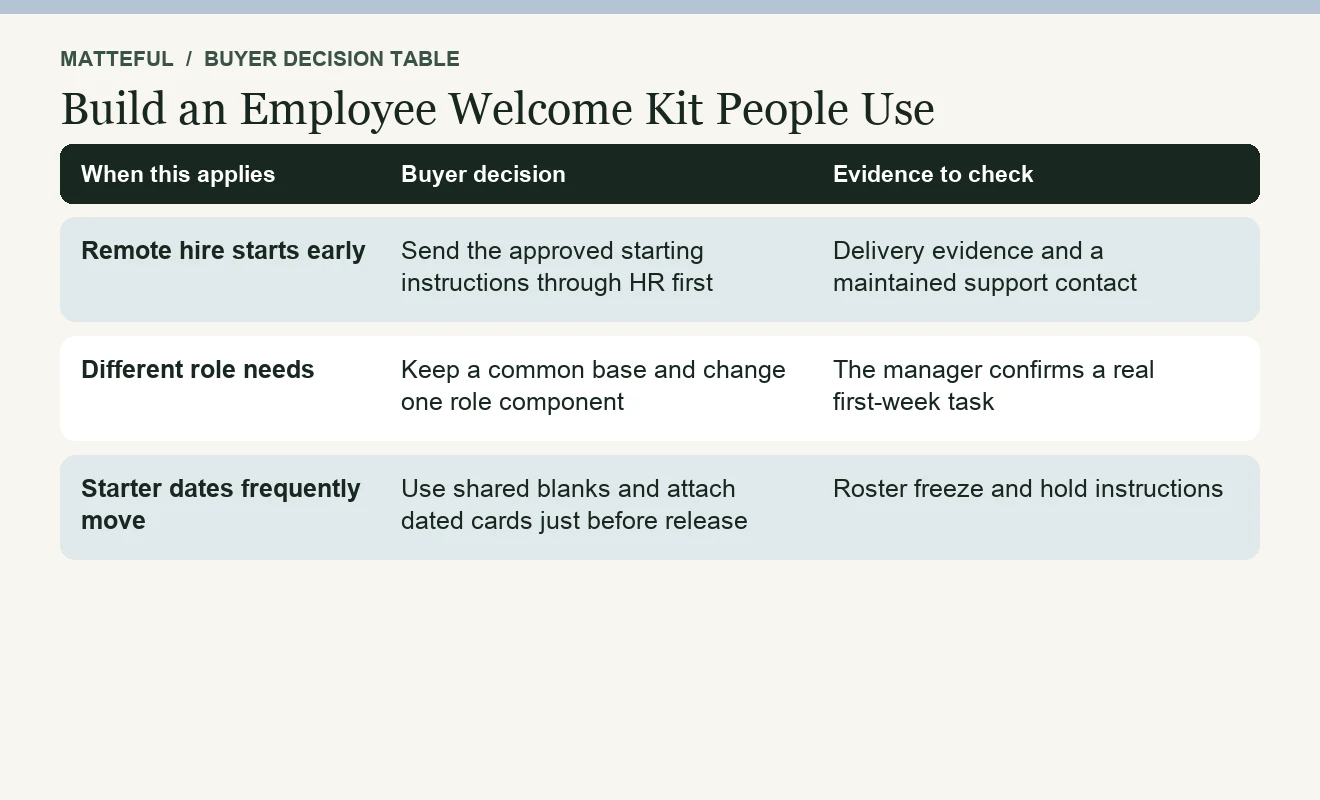
Buyer decision table
| When this applies | Buyer decision | Evidence to check |
|---|---|---|
| Remote hire starts early | Send the approved starting instructions through HR first | Delivery evidence and a maintained support contact |
| Different role needs | Keep a common base and change one role component | The manager confirms a real first-week task |
| Starter dates frequently move | Use shared blanks and attach dated cards just before release | Roster freeze and hold instructions |
For the next decision, see How to Write a Corporate Gift RFQ.
Explore new hire welcome kit options
Frequently asked question
How many items should a welcome kit have?
Use the number that covers real first-week jobs. Three coordinated items with a clear setup card often create fewer packing and replacement problems than many decorative fillers.
Research sources
- 入职礼包,新人说这公司来对了 · 雨夜入梦 (Xiaohongshu, 2026-10-21)
- 收到新和成入职大礼包啦,看看都有什么吧 · 海绵宝宝不吃菜 (Xiaohongshu, 2026-08-01)
- 管培💼入职|客定伴手礼包~ · 派派礼品驿站 (Xiaohongshu, 2025-08-19)
- 公司一般给入职的新员工准备什么礼物呢? · giftgift (Zhihu, 2026-11-15)
- 杭州企业礼赠100案例⑫互联网公司180元入职欢迎礼 · 杭州礼品定制 (WeChat Official Account, undated)
- 收到好未来的入职礼物啦! · 你要干什么 (Xiaohongshu, 2026-11-20)